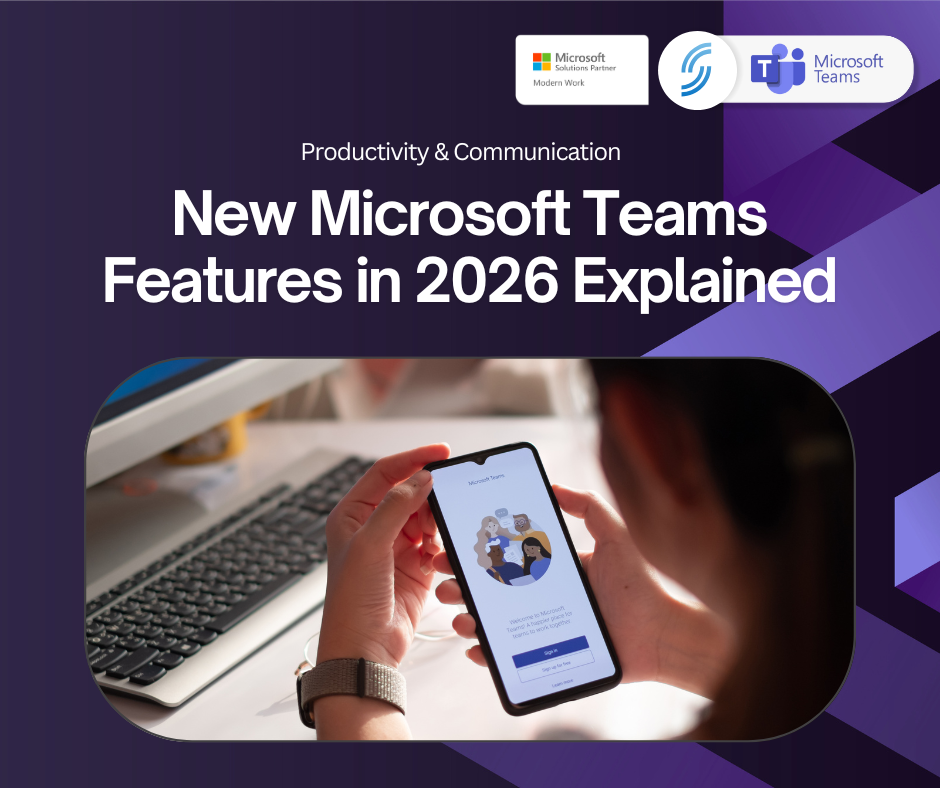
📲 New Microsoft Teams Features You’ll Love in 2026
Microsoft Teams continues to evolve with a clear focus on helping teams work smarter, communicate more clearly, and collaborate more effectively, wherever they’re based. These updates are not just feature enhancements, they are designed to remove friction from everyday work and give teams back valuable time.
Below is a closer look at what’s new and what it can mean for your business or team.
✨ What’s New and Why It Matters
1. Audio Meeting Recaps
Meetings do not always fit neatly into busy schedules. Audio meeting recaps provide short, voice-style summaries that highlight key discussion points and actions.
This means teams spend less time rewatching recordings or chasing notes and more time moving forward with confidence, even when someone cannot attend live.
2. Smarter Hybrid Meetings
Teams continues to improve the experience for meetings that include both in-room and remote participants. Enhanced recognition, live captions, and better room intelligence help everyone feel equally involved.
This leads to more inclusive meetings, stronger engagement, clearer discussions, and better collaboration across locations.
3. Copilot Built Directly Into Teams
AI assistance now sits directly inside Teams, helping to summarise chats, highlight key decisions, draft responses, and surface next steps without leaving the app.
Teams can reduce admin time, respond faster, and stay focused on meaningful work rather than searching for information.
4. AI Voice Isolation
Background noise is intelligently filtered out so voices remain clear even in busy offices, shared spaces, or home working environments.
Calls sound more professional, conversations flow more smoothly, and distractions are kept to a minimum.
5. Custom Keyboard Shortcuts
Users can personalise keyboard shortcuts to match how they work, making navigation faster and reducing repetitive actions.
Over time, these small efficiency gains add up and help teams work more comfortably throughout the day.
6. Lobby Chat
Participants can be contacted before meetings officially begin, allowing instructions, context, or updates to be shared in advance.
Meetings start with better-prepared attendees, fewer interruptions, and more focused discussions from the outset.
📈 Why This Matters for Your Business
These updates support a more productive and connected way of working.
Teams spend less time catching up and more time delivering meaningful work.
Hybrid and remote employees benefit from clearer communication and more inclusive experiences.
Important actions and decisions are less likely to be missed.
Collaboration becomes more consistent across the business.
As Microsoft Teams continues to evolve, it is becoming more than just a meeting tool. It is developing into a central workspace that actively supports how teams communicate, collaborate, and stay productive every day.
If you’re exploring how these features could fit into your current setup or looking to get more value from Microsoft Teams, we can help. From choosing the right configuration to enabling key features, we’ll make sure Teams is set up in a way that works smoothly for your team from day one.
📞 Call us on 01925 818448 📧 Email sales@smsbusinesscloud.com 🛒 Or buy online 24/7 at