
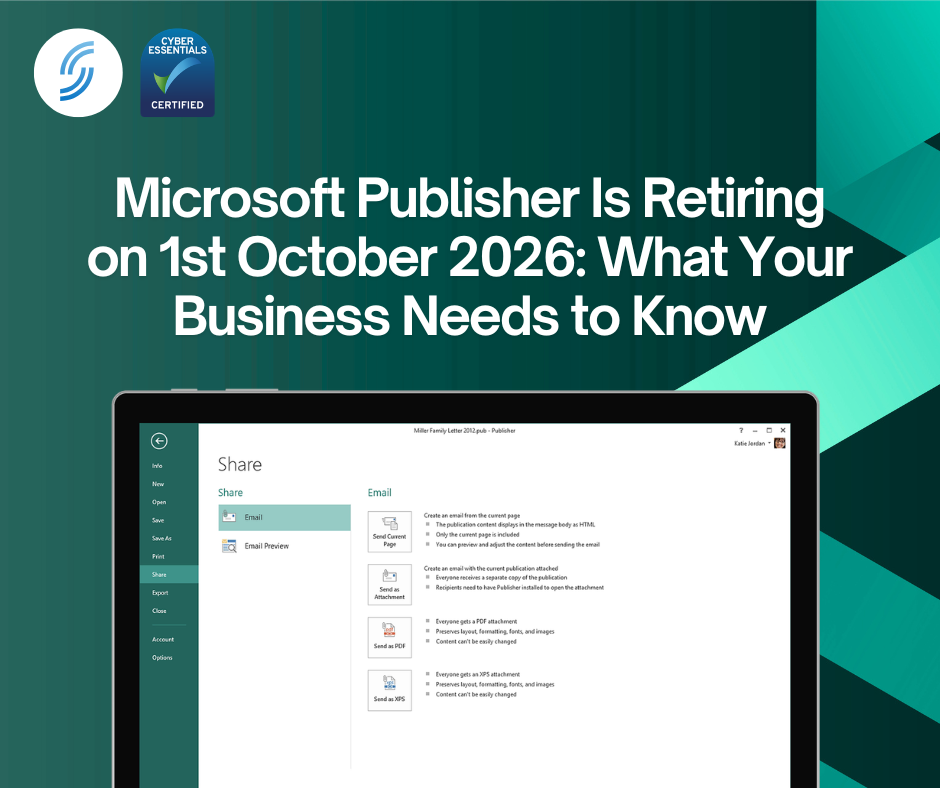
For many small businesses, Microsoft Publisher has been a familiar tool for creating newsletters, brochures, flyers, menus, business cards and other marketing materials. However, Microsoft has confirmed that Publisher will reach end of life on 1st October 2026 for Microsoft 365 subscribers and will no longer be included in Microsoft 365 going forward.
If your business still uses Publisher, now is the time to understand what this means and start planning your next steps.
What Is Microsoft Publisher?
Microsoft Publisher is a desktop publishing application that has been part of the Microsoft Office family for decades. Unlike Word, which focuses on documents, Publisher was designed specifically for creating professionally laid out publications such as:
- Flyers
- Leaflets
- Brochures
- Newsletters
- Event programmes
- Business cards
- Labels and envelopes
It became popular with small businesses, schools and charities because it offered simple design capabilities without the complexity of professional graphic design software.
What’s Happening on 1st October 2026?
Microsoft has announced that Publisher will no longer be supported after October 2026 and will be removed from Microsoft 365 subscriptions. After 1st October 2026, Microsoft 365 users will no longer be able to open or edit Publisher files using the Publisher application.
Microsoft says this decision was made because many of Publisher’s most common features are now available in other Microsoft 365 applications, particularly Word and PowerPoint.
Is There a Direct Replacement for Publisher?
No.
Unlike when Microsoft retires some products, there is no dedicated replacement application for Publisher.
Microsoft is encouraging users to move common Publisher workloads into:
- Microsoft Word
- Microsoft PowerPoint
- Microsoft Designer
- Microsoft Create templates
depending on the type of content being produced.
This means businesses currently relying on Publisher may need to adapt their workflows and recreate some templates in a different application.
What Should You Do Before October 2026?
If you still have Publisher files (.pub), we strongly recommend taking action now.
1. Identify Your Publisher Files
Search your:
- PCs and laptops
- Shared drives
- OneDrive
- SharePoint
for files ending in.pub.
Many organisations have years of archived marketing materials stored in Publisher format and may not realise how many files they still rely on.
2. Convert Important Files
Microsoft recommends converting Publisher files before retirement.
For files that only need to be viewed:
- Save them as PDF files
For files that may need editing in the future:
- Convert them to PDF
- Open the PDF in Word for further editing
Be aware that complex layouts may require manual adjustments after conversion.
3. Start Creating New Content Elsewhere
Rather than creating new Publisher files today and migrating them later, begin using modern alternatives now so your team can become familiar with them.
Why We Recommend Microsoft PowerPoint
While Publisher doesn’t have a direct successor, one Microsoft application often overlooked for marketing materials is Microsoft PowerPoint.
Most people think of PowerPoint as a presentation tool, but it is actually a surprisingly capable design and layout platform for:
- Flyers
- Brochures
- Posters
- Social media graphics
- Event materials
- Internal communications
- Customer-facing documents
Benefits include:
✅ Included in Microsoft 365 Business Standard and Business Premium
✅ Familiar interface already used by most employees
✅ Easy collaboration through OneDrive and SharePoint
✅ Modern templates and creative tools
✅ Export to PDF for professional printing
✅ Better long-term support and ongoing development from Microsoft
For many organisations, PowerPoint can handle the majority of Publisher use cases without requiring new software or additional costs.
An Opportunity to Modernise
Although Publisher’s retirement may feel inconvenient, it also presents a good opportunity to modernise how your organisation creates and manages documents.
Moving away from legacy file formats reduces the risk of inaccessible archives and allows teams to take advantage of Microsoft’s latest collaboration, design and cloud-based tools.
The key message is simple:
Don’t wait until October 2026. Find your Publisher files now, convert what matters, and begin moving future content into modern Microsoft 365 applications.
Need Help Preparing for Publisher’s Retirement?
We can help your business review its Microsoft 365 environment, identify Publisher files, and recommend the best alternatives for your users.
For most organisations, we recommend transitioning new publications to Microsoft PowerPoint and Microsoft 365, ensuring your content remains accessible, editable and fully supported long after Publisher is retired.
Contact our team today to discuss your Microsoft 365 requirements and create a smooth transition plan before Publisher reaches end of life on 1st October 2026.
📞 Call us on 01925 818448
📧 Email sales@smsbusinesscloud.com
🛒 Or buy online 24/7 via our cart