
Most businesses use Word, Excel and Outlook every day.
Yet one of the most useful applications included in Microsoft 365 is often completely overlooked: Microsoft Forms.
If you’re still collecting information by email, creating paper forms, or manually typing survey responses into spreadsheets, Microsoft Forms could save you hours every month.
What is Microsoft Forms?
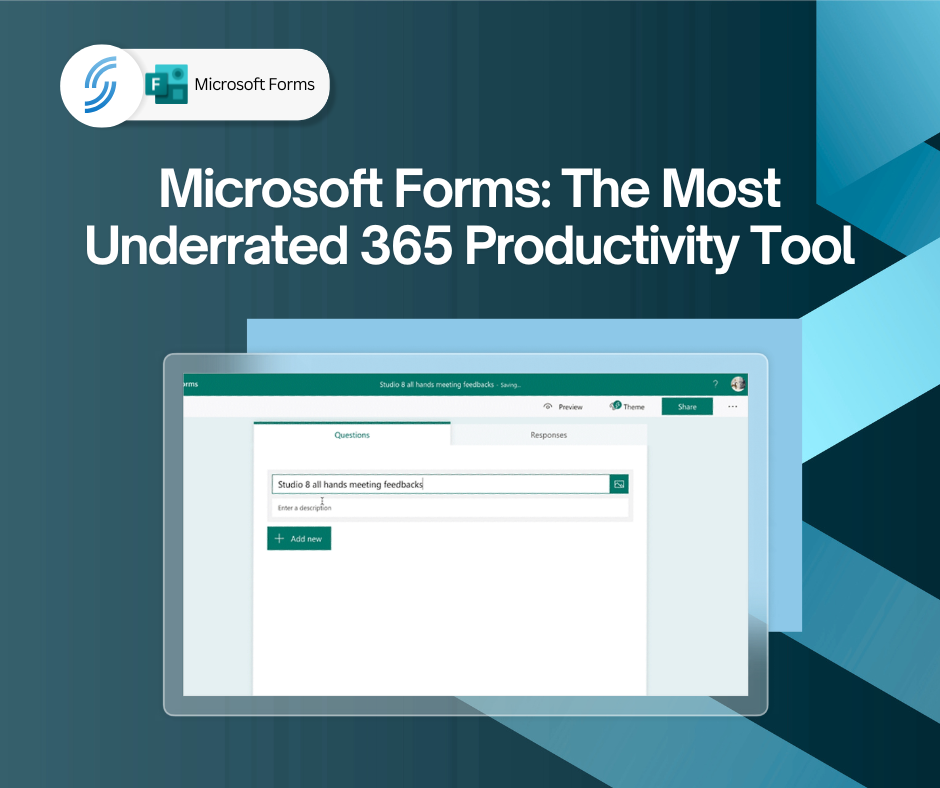
Microsoft Forms allows you to create online forms, surveys, questionnaires, feedback forms, quizzes, registrations and requests in minutes.
No specialist skills required.
Simply create your questions, share a link and start collecting responses instantly.
Five Ways Businesses Are Using Microsoft Forms
1. Customer Feedback Surveys
Want to know how happy your customers are?
Instead of lengthy email chains, send a simple feedback form and gather responses automatically.
This provides valuable insight into customer satisfaction while reducing administration.
2. Event Registrations
Running a webinar, training session or company event?
Microsoft Forms makes it easy to collect:
- Names
- Contact details
- Dietary requirements
- Session preferences
Responses are stored automatically and can be exported to Excel when needed.
3. IT Support Requests
Many organisations still receive support requests through scattered emails.
A simple Microsoft Form can help standardise information and ensure every request contains the details needed to resolve issues quickly.
4. Employee Surveys
Whether you’re gathering feedback on workplace culture, training requirements or new initiatives, Forms provides a fast and simple way to collect opinions across your organisation.
5. Internal Requests
Holiday requests.
Equipment requests.
Training requests.
New starter information.
All of these can be captured through Forms, helping remove manual administration and creating a more consistent process.
Why Businesses Like Microsoft Forms
The biggest advantage is simplicity.
You can build a professional form in minutes without purchasing additional software or learning a complicated platform.
Because it forms part of Microsoft 365, it integrates naturally with:
- Excel
- Teams
- SharePoint
- Power Automate
This means data can be collected once and used throughout your business.

Stop Collecting Information Through Email
Email remains important, but it isn’t always the best tool for gathering information.
When multiple people need to provide structured responses, Forms creates a far better experience for both users and administrators.
Instead of searching inboxes for responses, everything is captured in a single location.
Getting More Value from Microsoft 365
Many businesses already pay for Microsoft Forms as part of their Microsoft 365 subscription but never use it.
Before investing in another survey platform or online form builder, it might be worth seeing what’s already available within your existing licence.
You may be surprised how much time it can save.
How SMS Can Help
At SMS, we help organisations get more value from Microsoft 365 by showing practical ways to use the tools they’re already paying for.
Whether you want to create customer surveys, automate requests, improve internal processes or connect Forms to Power Automate workflows, we can help you get started.
Sometimes the most useful software isn’t the newest or most expensive. It’s the one you already own but haven’t discovered yet.
📞 Call us on 01925 818448
📧 Email sales@smsbusinesscloud.com
🛒 Or buy online 24/7 via our cart